Using Ticqex
Contacts
The people behind conversation tickets.
Contacts represent the customers your tickets are about. A conversation ticket is always linked to a contact and a contact address (the email address for the email channel).
Where contacts appear
- In the ticket modal, the contact panel shows the contact's details and custom fields. Fields marked show open in ticket are visible without expanding "Show all fields".
- The board can be filtered by contact.
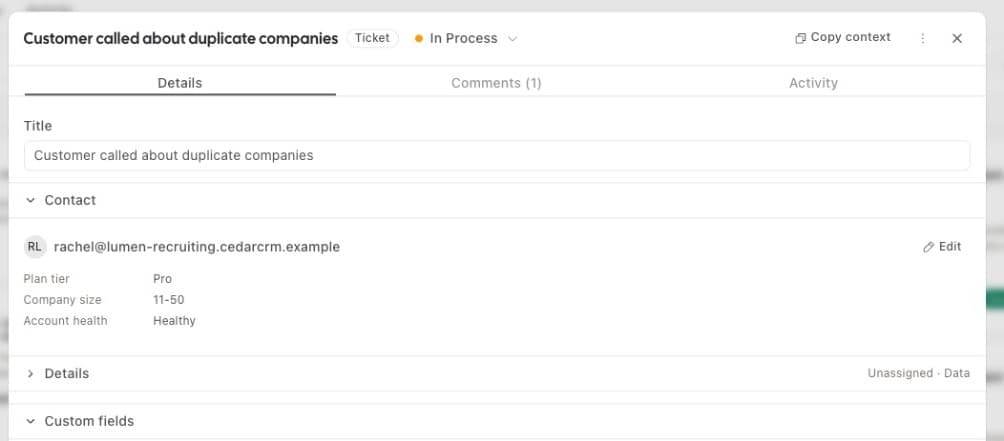
Contact custom fields
Contacts have their own group of custom fields, fully configurable — see Custom fields. Use them for things like company, plan, or account ID.
Creation and matching
Inbound email automatically creates a contact for unknown senders, or matches an existing one by address. Contacts can also be created and edited over API and MCP.