Using TicqexSettings
API & MCP
Create API keys and connect agents and integrations.
The API & MCP section is where admins manage programmatic access.
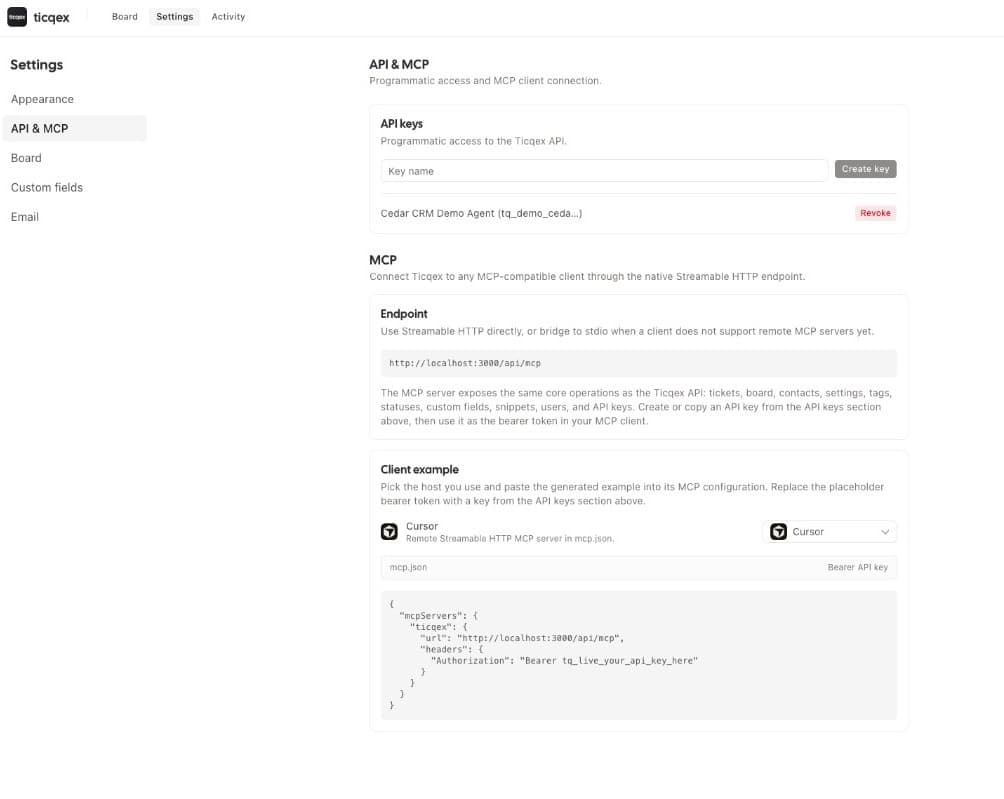
API keys
- Create a key and copy it once — it is not shown again.
- Revoke keys at any time.
- The same Bearer key authenticates both REST (
/api/v1/*) and MCP (/api/mcp).
Key lifecycle is managed in this UI and over REST only — deliberately not exposed over MCP, so a connected agent cannot mint its own keys.
Connection snippets
The page provides copy-paste configuration snippets for common MCP clients (Cursor, Codex, Claude Code, and similar). See Connect an agent for the full walkthrough.